Forgot your password?
Enter your email address below, and we will send instructions for setting a new one.
Enter your email address below, and we will send instructions for setting a new one.
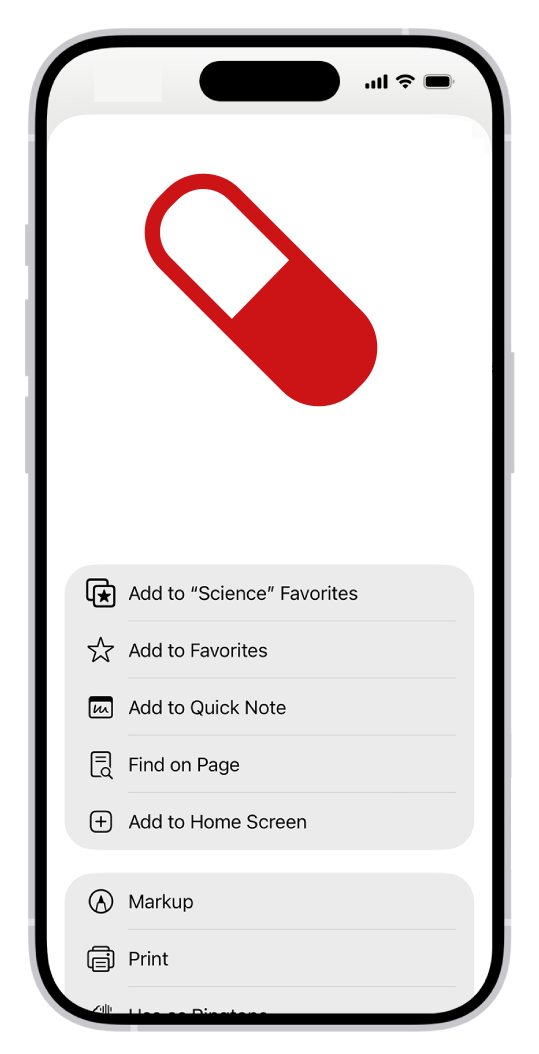
Tap  , then tap Share.
If your Tabs layout is Bottom or Top, tap  .
.
Scroll down the list of options, then tap Add to Home Screen.
If you don’t see Add to Home Screen, you can add it. Scroll down to the bottom of the list, tap
Edit Actions, then tap  Add to Home
Screen.
Add to Home
Screen.
Tap Add.
The icon appears only on the device where you add it.